 Polished Crawl
▶ Play
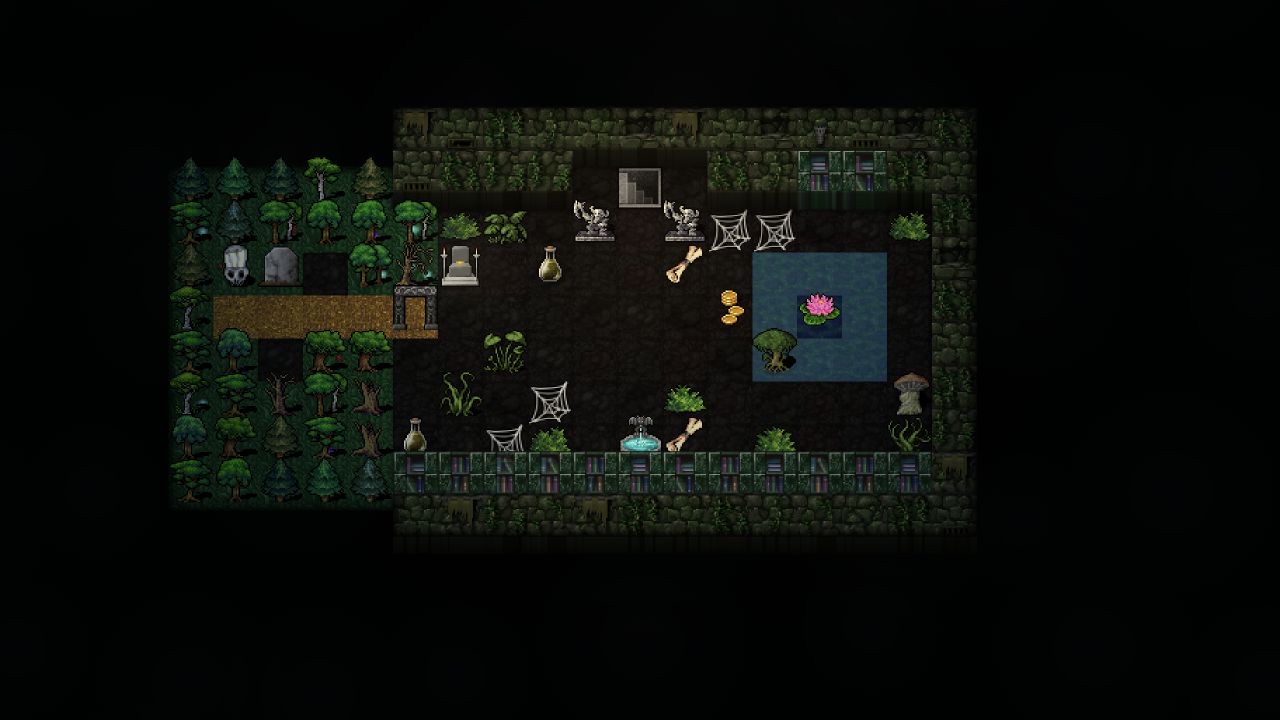
Polished Crawl is a web page, so it goes onto a Steam Deck the way a browser does: as a non-Steam game that opens Chrome full screen on dcss-client.vittis.workers.dev. It takes five steps and a few minutes.
The first four happen in Desktop Mode: hold the power button and choose Switch to Desktop.
1. Install Chrome and enable the controller
Open Discover, search for Google Chrome and install it. Then open Konsole and run this line, which lets Chrome see the controller from inside its Flatpak sandbox (Flatseal can make the same change if you'd rather click than type):
flatpak --user override --filesystem=/run/udev:ro com.google.Chrome2. Add Chrome to Steam
Open Steam, and in its top menu choose Games > Add a Non-Steam Game to My Library. Tick Google Chrome and click Add Selected Programs.
If Chrome isn't in the list, right-click it in Discover and choose Add to Steam instead.
3. Point it at Polished Crawl
Right-click Google Chrome in your library and choose Properties, and rename it to Polished Crawl.
Launch Options already holds a long line that starts Chrome from its Flatpak, something like run --branch=stable --arch=x86_64 --command=/app/bin/chrome --file-forwarding com.google.Chrome @@u @@.
Leave all of it. Click at the very end, after the last @@, type a space, and add:
--kiosk https://dcss-client.vittis.workers.dev/That opens Polished Crawl full screen, with no browser around it.
4. Add the artwork (optional)
Save each image, then set it in Steam where the line says:
- icon.png: in Properties, click the square next to the name.
- logo.png: on the library page, hover over the banner and choose Set custom logo.
- hero.png: on the library page, hover over the banner and choose Set custom background.
- grid.png: right-click the entry and choose Manage > Set custom artwork.
- portrait.png: right-click it in the grid and choose Manage > Set custom artwork.




5. Set up the controller
Switch back to Gaming Mode. On Polished Crawl's page, press the controller icon, go to Layout > Templates and choose Gamepad with Joystick Trackpad.